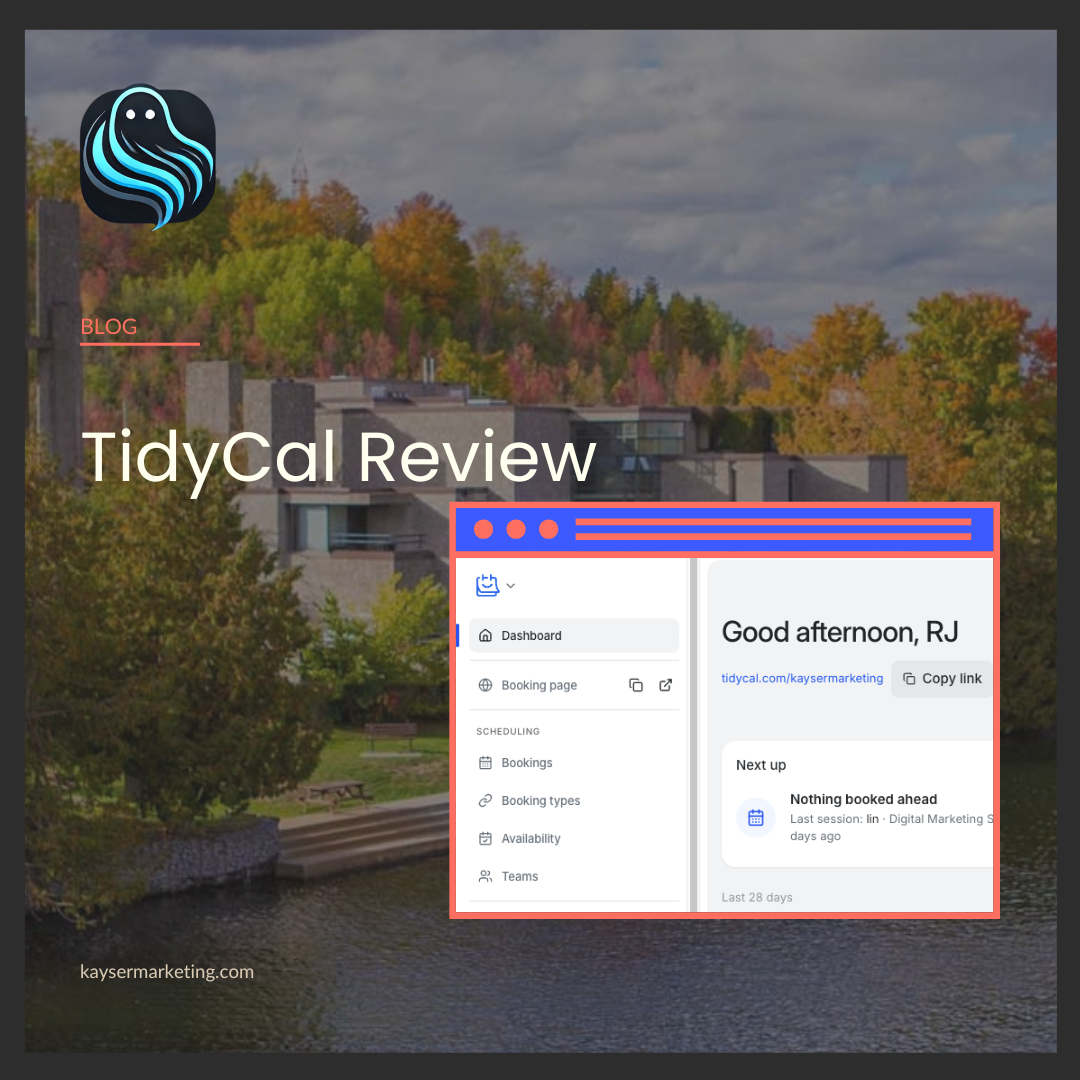
TidyCal review: the $29 booking tool I use instead of Calendly
TidyCal does almost everything Calendly does for a one-time $29. Here's what you get, the features worth setting up, and where it falls short.
TidyCal review: the $29 booking tool I use instead of Calendly
Most small businesses are paying every month for a calendar link.
Calendly's Standard plan runs about $10 USD a month per seat, billed yearly. Acuity, Square Appointments, and the booking plugins built into website platforms all work the same way: a monthly bill that never ends, for a tool that mostly just shows people when you're free.
TidyCal is the alternative I use for Kayser Marketing, and the one I moved a client to after his old booking plugin kept breaking (that story is here). It's free to start. The lifetime plan is a one-time $29 USD. No monthly subscription fees.
Here's a look at what you get, the features worth turning on, and where it won't be enough.
The short version
- Free plan: unlimited booking types, unlimited bookings, paid bookings through Stripe or PayPal, and your own booking page. One calendar connection.
- Individual Lifetime ($29 USD, one time): adds automatic Zoom, Google Meet, and Teams links, custom reminder emails, Google Analytics and Tag Manager, group bookings, booking limits, and up to 10 connected calendars.
- Agency Lifetime ($79 USD, one time): adds team features like round robin, collective meetings, a team booking page, and SMS reminders.
- Pro ($12 USD/month): removes TidyCal branding, adds a custom domain, and drops the platform fee on payments.
For a local business owner booking consultations, intro calls, or one-on-one appointments, the $29 lifetime plan covers everything I've needed. Less than three months of Calendly, paid once.
What setup actually looks like
TidyCal is built around three things: booking types, availability, and your booking page.
Booking types are the services people can book. I have one for a free strategy call, one for a paid Digital Marketing Audit at $150, and a handful of private ones I only send to specific clients. You set the name, length, description, location (Zoom, Google Meet, phone, in person), and you're live.
Availability is where you set your hours. You can build more than one schedule (I keep a default schedule and a separate set of consulting hours) and assign each booking type the schedule that fits. Date overrides handle holidays and days off without touching your regular hours.
Your booking page is one link (mine is tidycal.com/kaysermarketing) that lists everything public. You can also share any single booking type on its own, embed it right on your website, or drop a "book a time with me" link into your email signature. TidyCal generates all three for you.
Connect your Google, Microsoft 365, or Apple calendar and TidyCal checks it for conflicts and adds new bookings automatically. If you've been on Calendly, there's a built-in importer that brings your event types over.
Realistically, if you've used any booking tool before, you'll be set up in under an hour.
The features worth turning on
This is where TidyCal earns its spot. Most people set up a booking link and stop. These are the settings that make it work like a front desk.
1. Booking rules that protect your calendar
Under Restrictions on each booking type, you control:
- Minimum notice. I require 18 hours, so nobody books a call for 20 minutes from now.
- How far ahead people can book. 60 days keeps my calendar from filling up months out.
- Buffer time between bookings, so calls don't stack back to back.
- Daily, weekly, or monthly limits on how many bookings you take.
- Reschedule and cancellation rules, including a cutoff and an optional cancellation or no-show fee charged to the card on file.
- Manual approval, so a booking is only confirmed once you say yes.
That no-show fee alone is worth the setup for any appointment business that's been burned before.
2. Intake questions
Turn on Questions and ask whatever you need before the call. On my audit booking, I require people to share their business name, website, and what they want help with. I walk into every call already knowing who they are.
3. Take payment at booking
Connect Stripe or PayPal and set a price per booking type. My Digital Marketing Audit is $150 CAD, paid up front. You can also:
- Create coupon codes for discounts or free sessions
- Sell packages so clients can book several sessions at once
- Offer subscriptions that charge clients monthly and give them booking credits (great for coaching, memberships, or retainers)
There's even a setting that holds the time slot for four hours if a card is declined and emails the person a link to finish paying. That's a booking you'd otherwise lose.
4. Emails that follow up for you
Under Notifications, you can customize the reminder emails your clients get and when they go out (I use one day before and one hour before).
Then the Emails section lets you send automated messages after a meeting ends. I have three running: a "how did it go?" right after, a thank-you 30 minutes later, and a "ready to book again?" three days later. It's a small follow-up sequence I never have to think about.
5. A waitlist and reviews
Two settings under Visibility that most people miss:
- Waitlist when there are no open times. Instead of hitting a dead end, people can join a list, and you get an email for each one.
- Reviews on your booking page. TidyCal gives you a review link to send after a session, and those reviews show up right where new clients are deciding to book.
6. Send people somewhere after they book
You can redirect people to any page on your website after they book. That means a proper thank-you page on your own site, with next steps, a welcome video, or a link to your intake form.
The feature marketers will love: real conversion tracking
This is the one that sold me as a marketer.
TidyCal connects directly to Google Analytics 4. Add your Measurement ID and it tracks every step of the booking:
- Someone views your booking page
- They pick a date
- They pick a time
- They complete the booking
That last event, booking_complete, is gold. Mark it as a key event in GA4, import it into Google Ads, and your ads are now optimizing for actual booked calls, not just clicks or page views.
There's also Google Tag Manager support for anything else you want to track, and a server-side TikTok Events API connection if you run TikTok ads.
Most booking tools in this price range treat tracking as an afterthought. If you're spending money on ads, this matters more than any other feature on this list.
Where TidyCal falls short
It's not perfect, and I'd rather you know before you switch.
- TidyCal branding stays on your page unless you pay for Pro. On the lifetime plans it's reduced, but it's there.
- No custom domain (like book.yourbusiness.com) without Pro.
- A 1% platform fee on Stripe payments on the Free and Lifetime plans, on top of Stripe's normal processing fees. On a $150 booking, that's $1.50.
- Team scheduling needs the Agency plan. Round robin and collective meetings aren't in the $29 tier.
- SMS reminders need Agency or Pro. On the $29 plan, reminders go out by email only.
- It's not built for complex operations. If you're running multiple locations with a dozen staff and resource booking, like treatment rooms or equipment, look at dedicated practice-management software.
For a solo owner or a small team booking calls and appointments, none of these have been a dealbreaker for me. If you're resourceful and don't have a lot of moving parts to worry about, TidyCal can be the perfect alternative to what you're using or considering that's going to cost you every month.
Is TidyCal right for you?
If you take consultations, discovery calls, or one-on-one appointments, and you're paying monthly for it, TidyCal is worth an afternoon of your time. Start on the free plan. If you want the extras, the lifetime upgrade costs less than a few months of what you're probably paying now.
If you're running ads and can't tell which ones are actually booking calls, that's the bigger fix. TidyCal makes it easy to track.
Want to see TidyCal from the client's side? I use it for my own bookings. Book a free digital marketing audit and I'll take a look at where your marketing is leaking leads, including your booking setup.
Disclosure: Some links in this post are affiliate links. If you buy through them, I may earn a small commission at no extra cost to you. I only recommend tools I use in my own business.